A remote speaker microphone lets you hear and transmit without removing your Motorola APX radio from its case or belt. The right choice starts with the radio model and accessory connector. APX N30, N50 and N70 microphones use a different connection from many earlier APX models, so a mic that looks similar may not fit your radio. Features such as a channel knob, emergency button and audio port can then help narrow the choice. magnumelectronics.com
This guide links to products on BatteryDistributors.com. Check the exact radio model, firmware and any hazardous-location approval required by your organization before ordering.
Quick comparison: Motorola APX speaker mics
| Radio family and buying need | Microphone | Key distinction | Product link | |
| Earlier APX models; traditional shoulder mic |
| PMMN4099 Compatible APX 1000 APX 3000 APX 4000 APX 6000 APX 7000 APX 8000 SRX | Volume control, emergency button and 3.5 mm accessory port | Shop PMMN4099 |
| Earlier APX models; public safety mic with shorter cord | 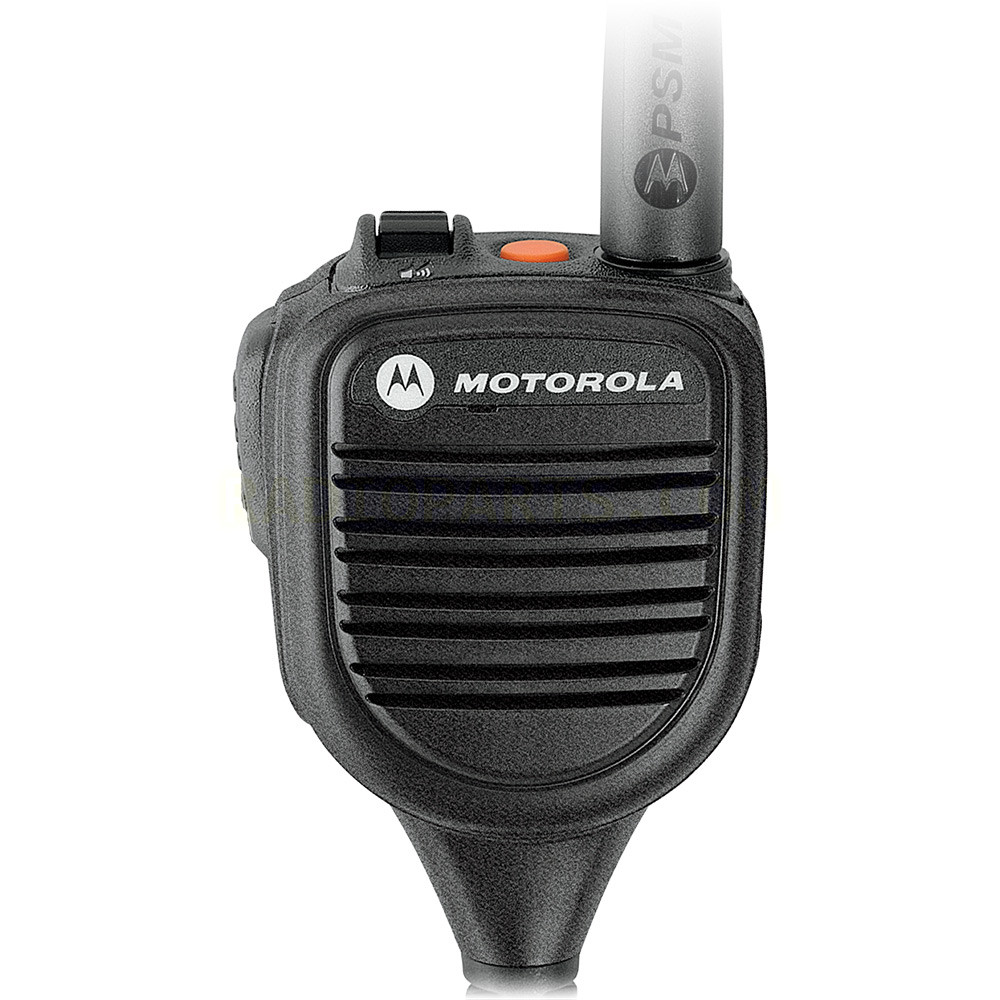 | PMMN4059 Compatible APX 6000 APX 6000Li APX 6000XE APX 7000 APX 7000XE APX 8000 APX 8000XE SRX 2200 | Public safety mic with 18-inch cord | Shop PMMN4059 |
| Earlier APX models; public safety mic with medium cord |
| PMMN4060 Compatible SRX 2200 APX 6000 APX 7000 APX 8000 | Public safety mic with 24-inch cord | Shop PMMN4060 |
| Earlier APX models; public safety mic with longer cord |
| PMMN4061 Compatible APX 3000 APX 6000 APX 7000 APX 8000 APX 8000XE SRX 2200 | Public safety mic with 30-inch cord | Shop PMMN4061 |
| Select APX 6000/8000 and APX NEXT configurations; advanced audio |
| XVP850 PMMN4135 Compatible APX 6000 APX 6000XE APX 7000 APX 7000XE APX 8000 APX 8000H APX 8000XE/HXE APX NEXT APX NEXT XE APX N70 SRX 2200 | Channel knob and ViQi button | Shop PMMN4135 |
| Select APX 6000/8000 and APX NEXT configurations; advanced audio |
| XVP830 PMMN4136 Compatible APX 6000 APX 6000XE APX 8000 APX 8000XE APX 8000H APX 8000HXE SRX 2200 APX NEXT APX NEXT XE | Similar XVP option without the channel knob | Shop PMMN4136 |
| Select compatible APX models; extreme-use mic |
| XVE500 PMMN4154 Compatible APX NEXT APX NEXT XE APX 8000 APX 8000 XE APX 8000H APX 8000HXE | Channel knob and large controls | Shop PMMN4154 |
| Select compatible APX models; extreme-use mic |
| XVE500 PMMN4152 Compatible APX NEXT APX NEXT XE APX 8000 APX 8000 XE APX 8000H APX 8000HXE APX 6000 (BN models) | XVE500 option without the channel knob | Shop PMMN4152 |
| APX N70; advanced XVP audio |
| XVP730 PMMN4142 Compatible APX N70 APX N70 XE APX N50 APX N30 APX NEXT APX 6000/8000 | APX N Series connection; no channel knob | Shop PMMN4142 |
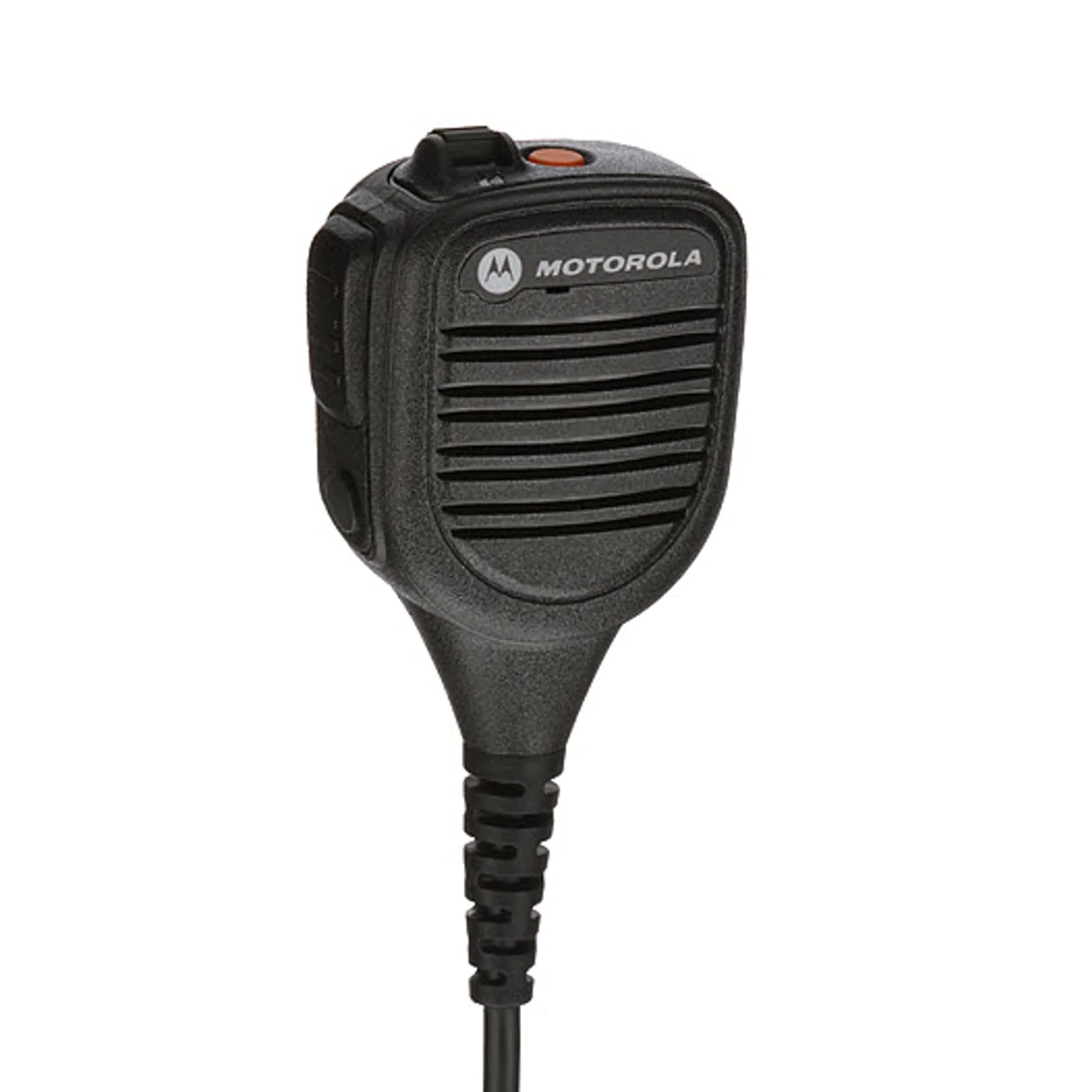
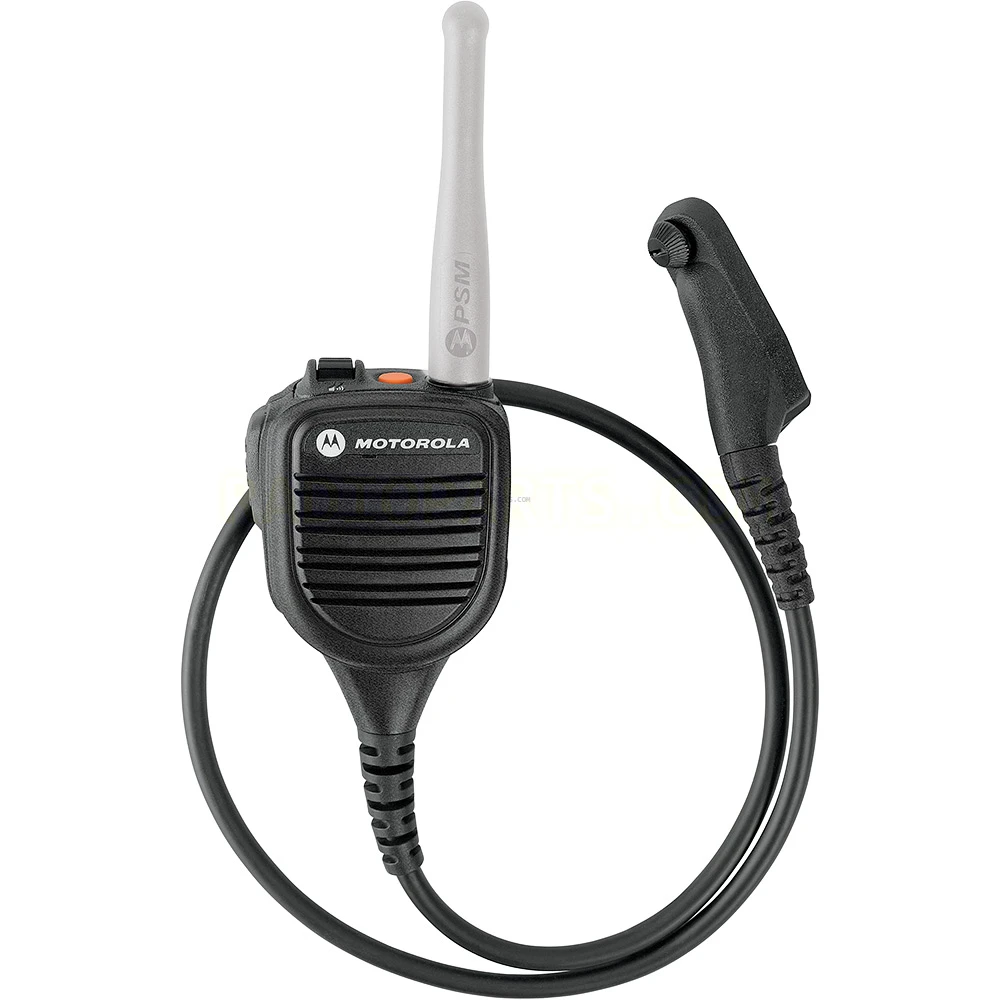
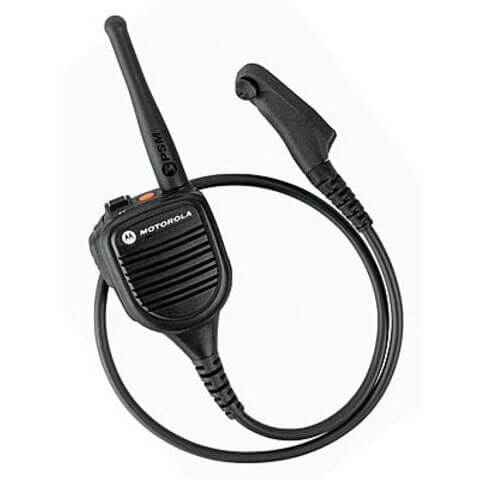
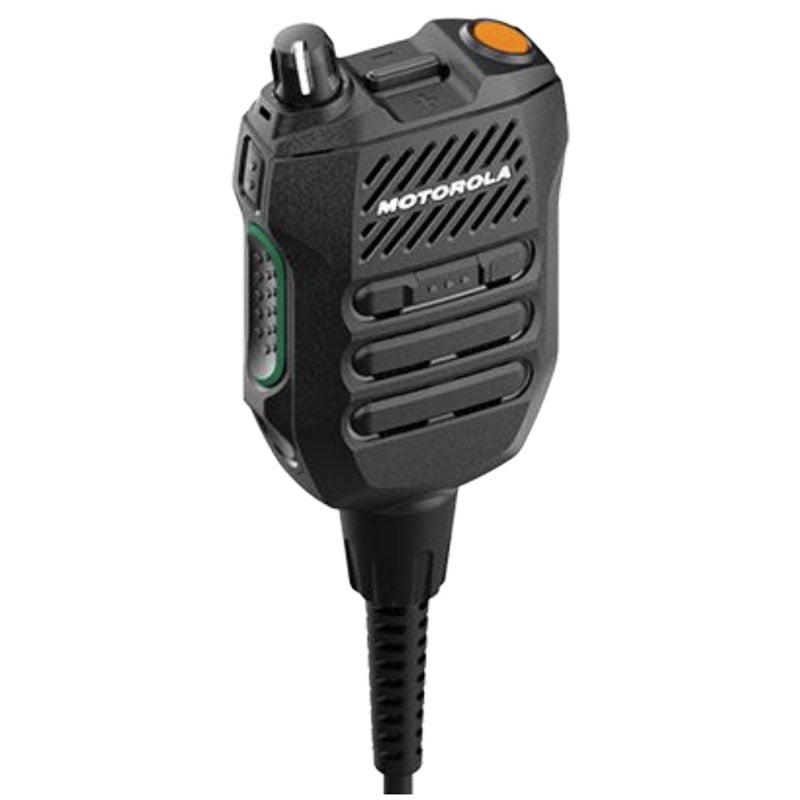
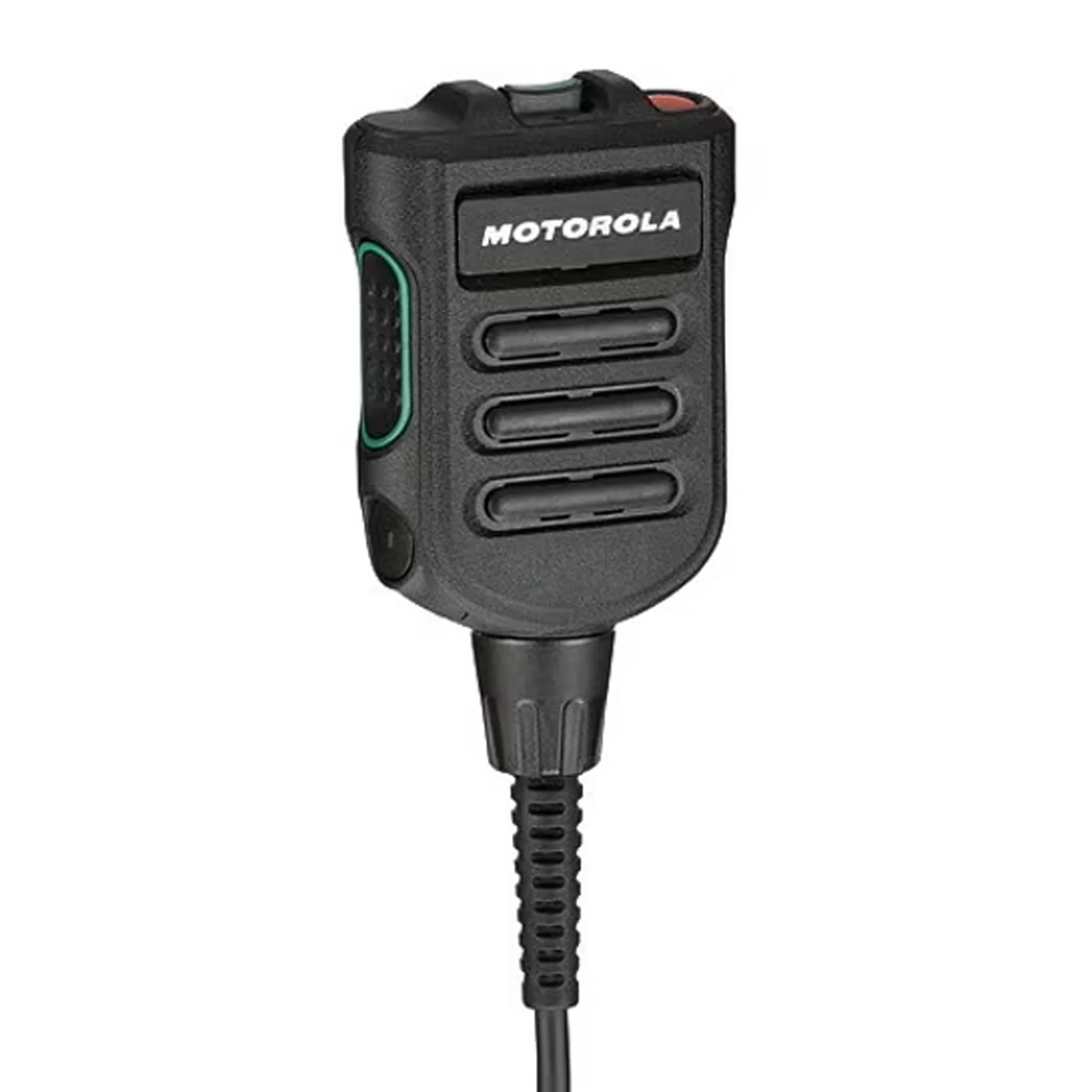
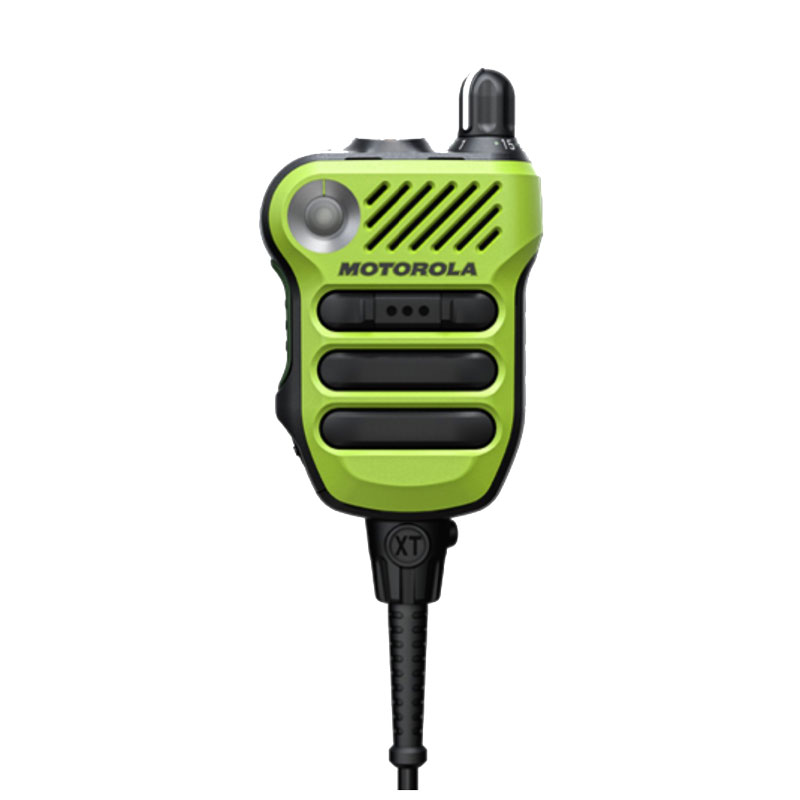
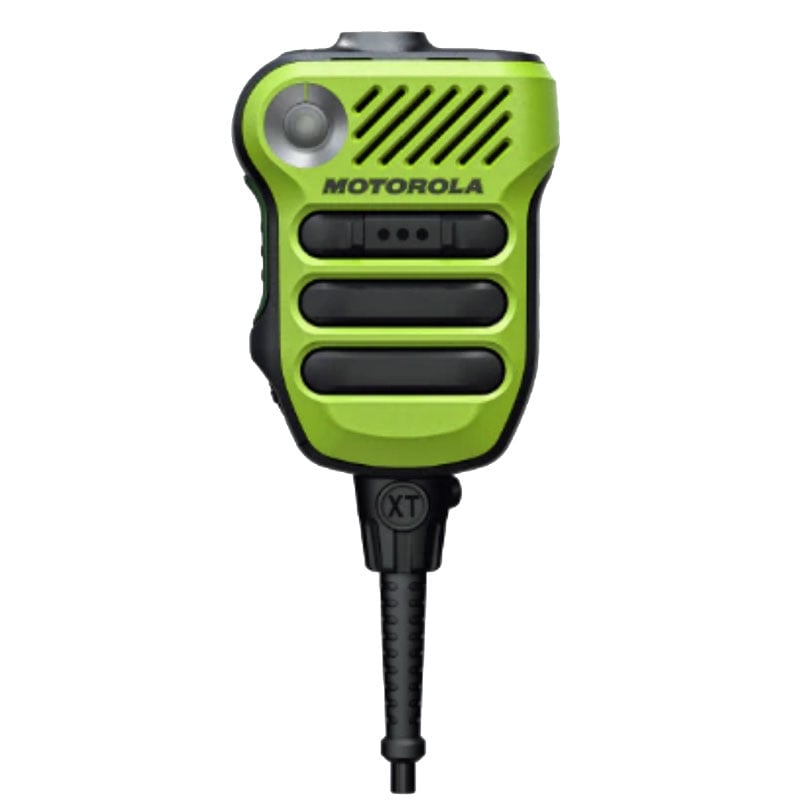
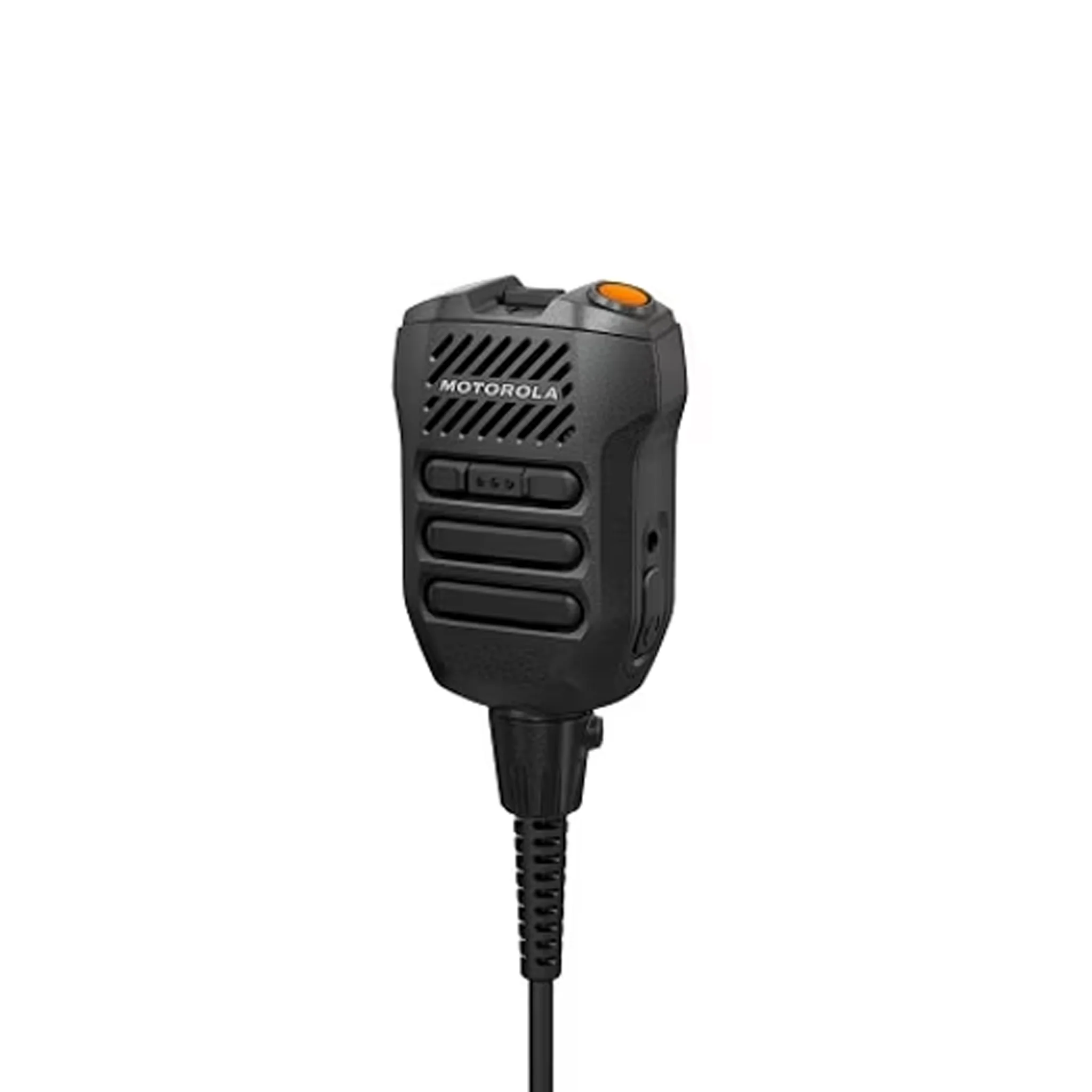
The linked PMMN4059, PMMN4060 and PMMN4061 listings distinguish those models by cord length. BatteryDistributors.com lists PMMN4135 with a channel knob and PMMN4136 without one. Confirm the full compatibility of advanced and extreme-use models against the radio’s exact version and firmware before purchase.
Speaker mics for earlier APX radios
PMMN4099: a familiar shoulder-mic layout
The Motorola PMMN4099 is an option for agencies that want an emergency button, volume toggle and 3.5 mm receive-only accessory connection in a conventional remote speaker mic. BatteryDistributors.com lists it across numerous earlier APX radio models, including APX 1000, 4000, 6000, 7000 and 8000 variants. Verify your specific radio and required safety approval before ordering. batterydistributors.com
PMMN4059, PMMN4060 and PMMN4061: choose the cord length
For a public safety microphone mounted on a shoulder or outer garment, cord length can be as important as the microphone’s controls. BatteryDistributors.com lists these three options with 18-inch, 24-inch and 30-inch straight cords, respectively. Choose according to where the radio sits and where the microphone will be worn:
These are alternative configurations for a particular wearing setup. Confirm antenna requirements, radio compatibility and the exact product revision before selecting one. batterydistributors.com
XVP microphones for select APX and APX NEXT radios
The XVP850 and XVP830 are advanced microphone choices for supported APX configurations. The PMMN4135 XVP850 adds a channel knob; the PMMN4136 XVP830 is the option without that knob. BatteryDistributors.com lists a ViQi button, emergency control, 3.5 mm accessory port and IP68 rating among their features. batterydistributors.com
Compatibility needs an extra check here. The radio generation and firmware can affect support for newer microphones. Confirm the radio’s complete model number and firmware against Motorola’s current accessory documentation before treating an APX 6000, APX 8000 or APX NEXT listing as universal. magnumelectronics.com
XVE500 microphones for demanding environments
The XVE500 family serves buyers looking for large controls and an extreme-use remote speaker mic. The PMMN4154includes a channel knob, while the PMMN4152 is the option without one. BatteryDistributors.com lists features including a ViQi button, emergency button, strobe light and IP68 rating on these product pages. batterydistributors.com
For these models, verify radio hardware version, firmware and the approved radio/mic combination before ordering. Hazardous-location approval applies to a specific configuration; a mic’s safety marking alone does not establish approval for every radio and battery pairing.
Speaker mics for APX N30, N50 and N70
The APX N Series requires particular attention to its accessory connection. Motorola lists the RM780, RM760 and XVP microphones among APX N accessories, while the available options vary by radio and configuration. Check the exact model rather than assuming that every APX N mic works across the entire family. www.motorolasolutions.com
For an APX N70, the PMMN4142 XVP730 is an advanced option listed by BatteryDistributors.com with a ViQi button, 3.5 mm audio jack and IP68 rating. Motorola also identifies the RM780 PMMN4128 and RM760 PMMN4140 among the APX N50 audio accessories. If an N50 configuration requires an optional audio feature or bundle for a particular mic, verify that option on the radio before ordering. batterydistributors.com
How to choose
- Identify the full radio model. “APX 8000,” “APX NEXT” and “APX N70” are different buying paths.
- Confirm the connector and firmware. This is especially important for APX N Series and newer XVP or XVE500 microphones.
- Choose the controls you use. Compare the channel-knob and no-knob versions where offered.
- Check how the mic will be worn. For public safety microphones, select a cord length suited to the radio’s location.
- Verify safety requirements. If your team needs a hazardous-location-approved setup, confirm the exact radio, battery and accessory combination in Motorola’s documentation.
Browse the Motorola APX accessories selection at BatteryDistributors.com to compare additional microphones, batteries and related parts.
Motorola APX Remote Speaker Microphone Guide: Find the Right Mic for Your Radio